Gina Ann images
 #11261
Actor Websites by Web For Actors - Gina Ann's professional actor website.
» Return to Gina's Website » Actor Websites #11261
Actor Websites by Web For Actors - Gina Ann's professional actor website.
» Return to Gina's Website » Actor Websites


 I mentioned this briefly while talking about optimization, but cropping images is not only about page load speeds, it's about aesthetics.If you have images of different sizes and proportions not only does it look...
  Build your #actor #website instead of snoozing.
 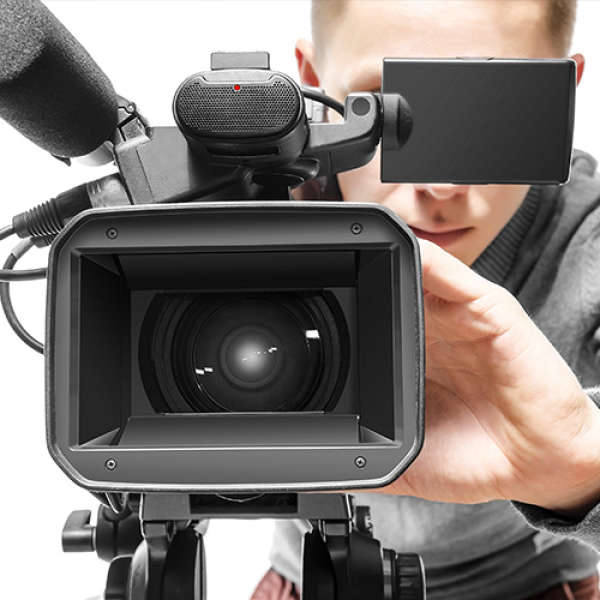 Be savvy with the camera. Unless it's a commercial shoot, look at the reader not into the lens.
At the beginning of every shot/take, once the camera is rolling, the camera loader places a clap board in front of the camera, waits until the operator has the shot in focus and "marks" it by snapping the top of the board. The clap board serves two main purposes.1) During production, the visual and the audio is captured separately. The point of the clap board is so that the editor can synchronize the sound with the picture. So when they hear the sound of the clap on the audio track, they match it to the visual of the instant the clapper snaps on the board. The camera loader is typically responsible for operating the clap board.2) In post-production, when sorting through all the footage and choosing which shots to use, the editor needs information about the particular take so that they know what shot they're looking at. The information conveyed on a clap board include, take number, which scene, date, which camera roll, director' name and of course the name of the project.